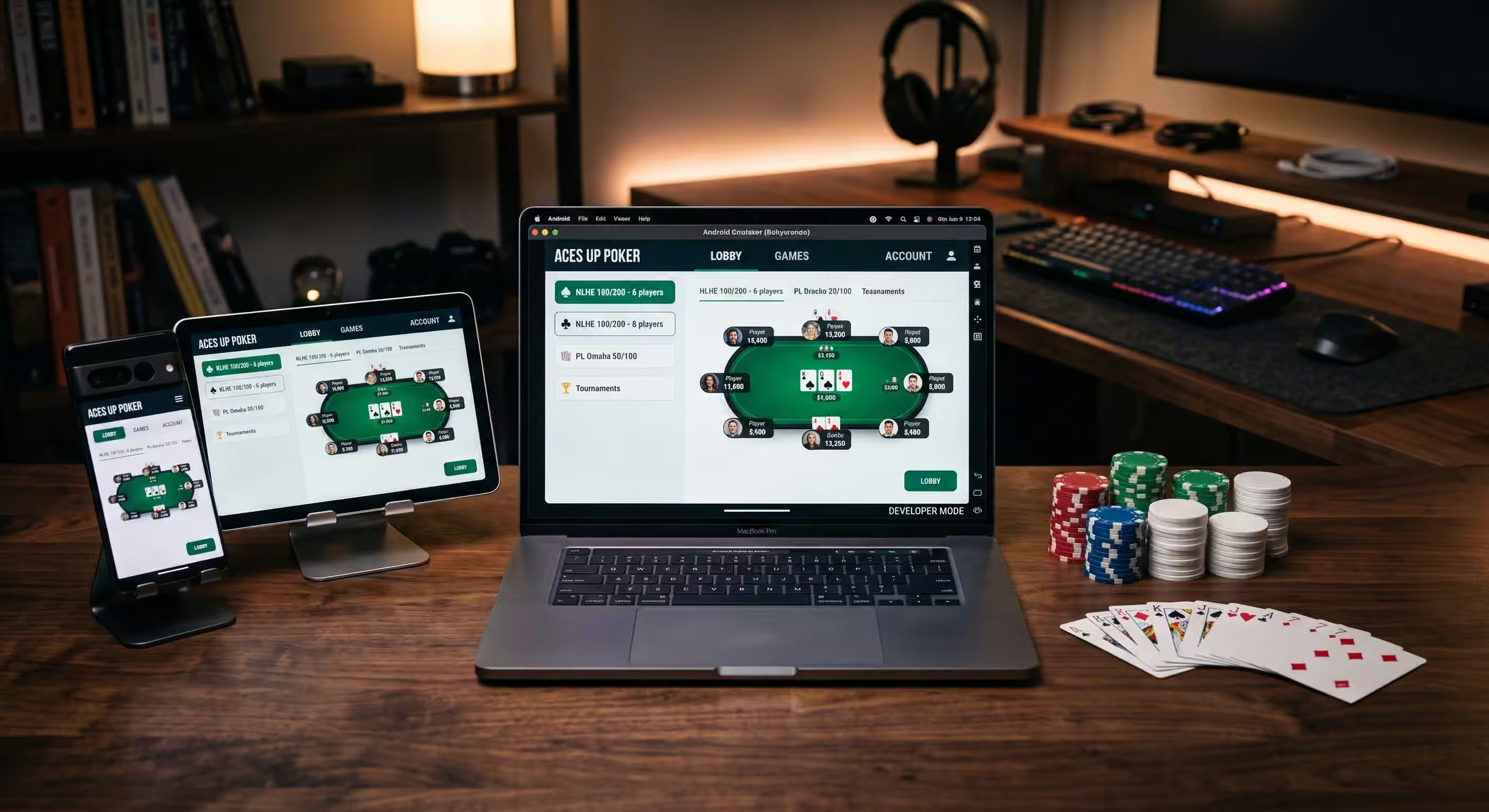
Players searching for PokerBros download usually want one of three things: the official Android app, the iPhone version, or a way to use PokerBros on a PC. That is a high-intent search because the user is not only researching the app; they are close to installing it and choosing where to play.
The important rule is simple: download the app safely first, then choose a club carefully. Do not download random APK files from unknown websites, do not enter old club codes from screenshots, and do not treat PokerBros as a regular licensed real-money poker room. PokerBros officially positions itself as a social poker app with private clubs, virtual items, and customizable games. Private clubs and agents are a separate layer that players must evaluate carefully.
This 2026 guide explains the safest PokerBros download options for Android, iOS, and PC, what to check before installing, how the app works after registration, which games are available, and how to choose a trustworthy route after the app is on your device. For a broader overview of the platform itself, start with our PokerBros review. This page focuses specifically on installation, device setup, security, and the next steps after downloading.
PokerBros Download: Quick Answer
| Device | Best Download Route | Important Warning |
|---|---|---|
| Android phone or tablet | Google Play or the official PokerBros website APK route | Avoid third-party APK mirrors unless you fully understand the risk. |
| iPhone or iPad | Apple App Store | Check the developer name and app details before installing. |
| Windows PC | No official native Windows client; use an Android emulator only if you accept third-party emulator risk | Install PokerBros from Google Play or the official Android source inside the emulator. |
| Mac | No standard native Mac poker client; emulator availability depends on device and operating system | Do not trust random “Mac PokerBros client” files. |
| After installation | Choose a verified club route | A working app does not verify any private club, agent, union, or rakeback offer. |
The official PokerBros website provides platform access and describes the app as a place to create private poker clubs, host tables, and play customizable games. The Google Play and Apple App Store listings also describe PokerBros as a poker app for friends, practice, tournaments, SNGs, ring games, and private club play.
Why “PokerBros Download” Is a Better Topic Than Another Club-ID Article
Many PokerBros searches are dangerous to answer badly. A page promising “active PokerBros IDs” can easily become outdated or misleading because clubs change routes, names, agents, union status, and support contacts. Publishing an unverified ID is worse than publishing nothing because it can send players to the wrong club.
A download guide is different. It answers a high-intent query without inventing numbers. Players need to know where to get the app, how to avoid fake APKs, how PC access actually works, and what to verify before they join a club. That creates value without making claims we cannot prove.
Once the app is installed, players can compare current options through the Bluffing Monkeys club list and our guide to where to play on PokerBros in 2026. Those pages are a better place for current club routes than a static article full of risky public IDs.
How to Download PokerBros on Android
Android users generally have two safer routes: the Google Play listing where available, or the official PokerBros website’s direct Android download route. The Google Play listing describes PokerBros as supporting No-Limit Hold’em, Fixed Limit Hold’em, Pot-Limit Omaha, PLO8, Fixed Limit Omaha, Short Deck, OFC, SNGs, MTTs, private poker rooms, and the global Gold Lobby.
Use this process:
- Open Google Play on your Android device.
- Search for “PokerBROS: Play NLH, PLO, OFC.”
- Check that the developer is ThinkLean / Thinklean Limited or the current official publisher shown on the store page.
- Read the app description and age rating before installing.
- Install and open the app.
- Create your account only inside the app.
- Do not enter any private club code until you verify the club route.
If Google Play is unavailable in your region, the official PokerBros website may show a direct APK download route. If you use an APK, the source matters. Do not search for “free PokerBros APK” and install the first mirror you find. Third-party APK sites can host old, modified, or unsafe files. If a file asks for unusual permissions or comes from a random Telegram channel, stop.
How to Download PokerBros on iPhone or iPad
For iOS users, the safest route is the Apple App Store. The App Store listing identifies PokerBros as “PokerBROS – Your Poker App,” lists it as free with in-app purchases, and describes private poker rooms, friend-based games, NLH, PLO, Short Deck, OFC, SNGs, and MTTs.
Use this process:
- Open the Apple App Store.
- Search for “PokerBROS.”
- Check the exact app name and publisher details.
- Review the age rating, device compatibility, and privacy information.
- Install the app through the App Store.
- Create your account inside the app.
- Keep your login private and never share verification codes.
Do not install iOS profiles, unsigned builds, or “special PokerBros iPhone versions” from strangers. If the app is not available in your country’s store, that does not mean a random download link is safe or allowed.
Can You Download PokerBros on PC?
There is no widely advertised official native PokerBros Windows client in the same way a traditional online poker room might offer a desktop installer. PC play usually means running the Android app through an emulator such as BlueStacks or another Android-emulation environment.
That distinction matters. An emulator is a third-party tool, not the same thing as a PokerBros desktop client. It can help players use a bigger screen, keyboard, mouse, and desktop workspace, but it also adds more variables: performance, compatibility, security, software updates, and whether a particular club or tool setup allows it.
If you choose the PC route, keep it conservative:
- Download the emulator only from its official website.
- Install it on a computer you control.
- Sign in to Google Play inside the emulator where available.
- Install PokerBros from Google Play or the official Android source.
- Avoid modified APK files advertised as “PC unlocked” versions.
- Do not use prohibited real-time assistance, bots, or automation.
- Check whether your club permits emulator play before building a routine around it.
The PC route is useful for some players, but beginners should not overcomplicate the first setup. A clean mobile install is usually simpler and safer than adding emulators, hand converters, HUDs, and third-party tools on day one.
System and Device Checklist Before Installing
Before downloading PokerBros, check these basics:
- Storage: make sure the device has enough free space for the app and updates.
- Operating system: use a supported Android or iOS version shown by the app store.
- Network: use a stable internet connection, especially for tournaments.
- Battery: long sessions can drain mobile devices quickly.
- Security: keep your device locked and updated.
- Account privacy: never share your password, screenshots of private account data, or verification codes.
Device quality matters more than many players realize. Lag, accidental taps, disconnections, and small-screen mistakes can turn a good game into a bad session. Our article on device switching and online poker consistency explains why changing screens mid-session can hurt decision quality.
What Happens After You Install PokerBros?
Installing the app does not automatically place you in a private club. PokerBros has public and social features, but most private-club players need a specific club route. That usually means a Club ID and sometimes a Referral ID, depending on the setup.
Do not rush this step. The wrong club can waste time, create support problems, or expose you to bad terms. Start by asking what you actually want:
- Do you want NLH, PLO4, PLO5, PLO6, OFC, tournaments, or SNGs?
- Do you play during US, UK, European, Asian, LATAM, or Australian hours?
- Do you need low stakes or are you experienced enough for mid stakes?
- Do you want an independent club or a union route?
- Do you understand the club’s rules, support, and promotion terms?
Use the Best PokerBros Clubs checklist to compare options by game quality and safety rather than joining the first club someone promotes aggressively.
Important: PokerBros Is Not a Standard Real-Money Poker Room
This is the section players should read before they join any private club. PokerBros’ official terms describe virtual items such as Diamonds, Chips, or Gold Coins and state that they do not represent a real-world balance or stored value. The same terms say users are not allowed to sell or exchange virtual items for real money or value outside the game.
PokerBros’ official club-promotion rules are also explicit: PokerBROS is an online social gaming platform and does not provide any real-money service. They also state that PokerBros is not involved with the operation of independently promoted clubs or unions and that promoters must not present PokerBros as a real-money application.
That means players must separate three things:
- The app: PokerBros software and official terms.
- The club: a private community or route using the app.
- Any outside arrangement: anything discussed with an agent, manager, or private contact beyond the app’s official virtual-item system.
For the legal and club-structure explanation, read Is PokerBros Gambling? and the complete guide to poker agents and club-based apps.
Games Available on PokerBros
The app-store descriptions list a wide range of formats. Availability inside the app depends on the lobby, club, union, region, and schedule, but these are the major categories players search for after downloading.
No-Limit Hold’em
NLH is the easiest format for most players to understand and the best starting point for beginners. Before adding tables, review why position matters in poker and use the free Range Analysis Tool after sessions to study common board textures.
Pot-Limit Omaha
PLO formats are common in many PokerBros clubs, especially PLO4, PLO5, and sometimes PLO6. These games create larger swings and require stronger bankroll discipline. Read the Pot-Limit Omaha guide and the PLO6 starting-ranges guide before jumping into high-variance games.
Open-Face Chinese
OFC has different scoring, pacing, and risk patterns from Hold’em. Players should understand royalties, fouling, and fantasy-land rules before choosing a club around OFC. Start with PokerBros OFC explained.
Bomb Pots and Special Formats
Some clubs and unions promote bomb pots, Double Board formats, and action-heavy tables. These can be fun but volatile. Read PokerBros Bomb Pot Explained before entering games where many players see the flop and equities run close.
Gold Lobby vs Private Clubs
Many new users confuse the global Gold Lobby with private club games. The Gold Lobby is part of the public app experience, while private clubs are specific communities or routes that may require a club application.
If you are simply exploring the app after download, the Gold Lobby can help you understand the interface. If you are looking for a particular club, you need to verify the direct route. The PokerBros Gold Lobby guide explains what new users often miss.
How to Avoid Fake PokerBros Downloads
Fake download pages are one of the easiest ways for players to get into trouble before they even sit at a table. Use this checklist:
- Prefer the Apple App Store or Google Play when available.
- Use the official PokerBros website for direct APK access if necessary.
- Avoid APK mirrors that display outdated versions or aggressive ads.
- Do not install files sent by unknown agents or social accounts.
- Do not install “modded,” “unlimited chips,” or “unlocked” versions.
- Check app permissions before opening the app.
- Update through the same official route you used to install.
- Delete suspicious files immediately.
After installation, scams usually move from fake files to fake support and fake club claims. Read the PokerBros scams guide before joining through a stranger who promises guaranteed profit, secret soft games, or instant high rakeback.
Rakeback and Promotions After Downloading
Players often install PokerBros because they heard about rakeback or a strong club promotion. Rakeback can matter, but it should not be the first decision. First verify the app, then the club, then the games, then the promotion.
Ask these questions before choosing a club because of a reward:
- Which games and stakes qualify?
- Is rakeback dealt, contributed, or weighted-contributed?
- Are MTTs, SNGs, OFC, and bomb pots included?
- When is the reward calculated?
- Who handles disputes?
- Can the terms change without notice?
Read PokerBros Rakeback Explained, then use the Poker Rakeback Calculator with real numbers instead of judging a deal by a headline percentage.
Safe Setup Checklist Before Your First Session
- Download PokerBros from an official source.
- Create your account with a unique password.
- Confirm your device is stable enough for long sessions.
- Choose a club based on format, traffic, stakes, and support.
- Verify the club name inside the app before applying.
- Read the rules and promotion terms.
- Start at lower stakes than your ego wants.
- Track every session separately by club and format.
- Take breaks before fatigue or tilt affects decisions.
Use the Poker Session Tracker from day one and review the Responsible Gaming PokerBros guide before increasing volume. Downloading the app is easy; building a sustainable routine is the real challenge.
Common PokerBros Download Problems
The App Is Not Available in My Country
Availability can vary by region and device store. Do not use a random workaround without checking local rules and the app’s terms. If the app is restricted where you live, that restriction matters.
The APK Will Not Install
The file may be corrupt, outdated, blocked by your device settings, or from an untrusted source. Delete suspicious files and use only the official route.
Login Is Slow or Fails
Check your connection, app version, and device updates. If the problem persists, contact PokerBros support through the official app or official email channel, not through a random club promoter.
I Cannot Find My Club
Confirm the club route, ID, referral details, and current name. A club may have changed route or status. Do not assume an old code is still correct.
My Emulator Runs Poorly
Lower the emulator settings, update graphics drivers, close other apps, or return to mobile. Do not risk tournament or cash-session decisions on unstable software.
Frequently Asked Questions
Where can I download PokerBros safely?
The safest routes are the Apple App Store, Google Play, or the official PokerBros website’s direct Android download route where applicable. Avoid random APK mirrors and files sent by unknown accounts.
Is PokerBros available on iPhone?
Yes. PokerBros has an iOS App Store listing. Availability can vary by country or store region.
Is PokerBros available on Android?
Yes. PokerBros has a Google Play listing and may also offer an official Android APK route through its website.
Can I play PokerBros on PC?
There is no standard official native Windows client. Most PC setups use an Android emulator. That is a third-party workaround, not the same thing as a PokerBros desktop app.
Should I download a PokerBros APK from an APK mirror?
Use extreme caution. The safer path is Google Play or the official PokerBros website. Third-party APK mirrors may host outdated, modified, or unsafe files.
Do I need a Club ID after downloading PokerBros?
You need a Club ID only if you want to apply to a specific private club. The ID should come from a current verified route, and the app should return the expected club name.
Is PokerBros a real-money poker app?
PokerBros’ official rules describe it as a social gaming platform and say it does not provide real-money service. Virtual items do not represent stored real-world value under the official terms. Any outside private arrangement should be evaluated separately and according to local law.
Which PokerBros club should I join after downloading?
Choose by game, stakes, traffic region, support, and safety. Start with the Bluffing Monkeys club list and compare options before entering any code.
Final Verdict
PokerBros download is a high-value search because it sits at the moment where a player moves from curiosity to action. The safest answer is not a random APK, a secret club code, or an unverified promise. The safest answer is a clean install from an official source, followed by careful club selection.
Android users should start with Google Play or the official PokerBros download route. iOS users should use the App Store. PC users should understand that emulator play is a workaround, not a native desktop client. After installation, treat every club, agent, union, and promotion as a separate decision that must be verified.
Download the app safely, choose the route carefully, start small, and track your results. A good PokerBros experience begins before the first hand is dealt.