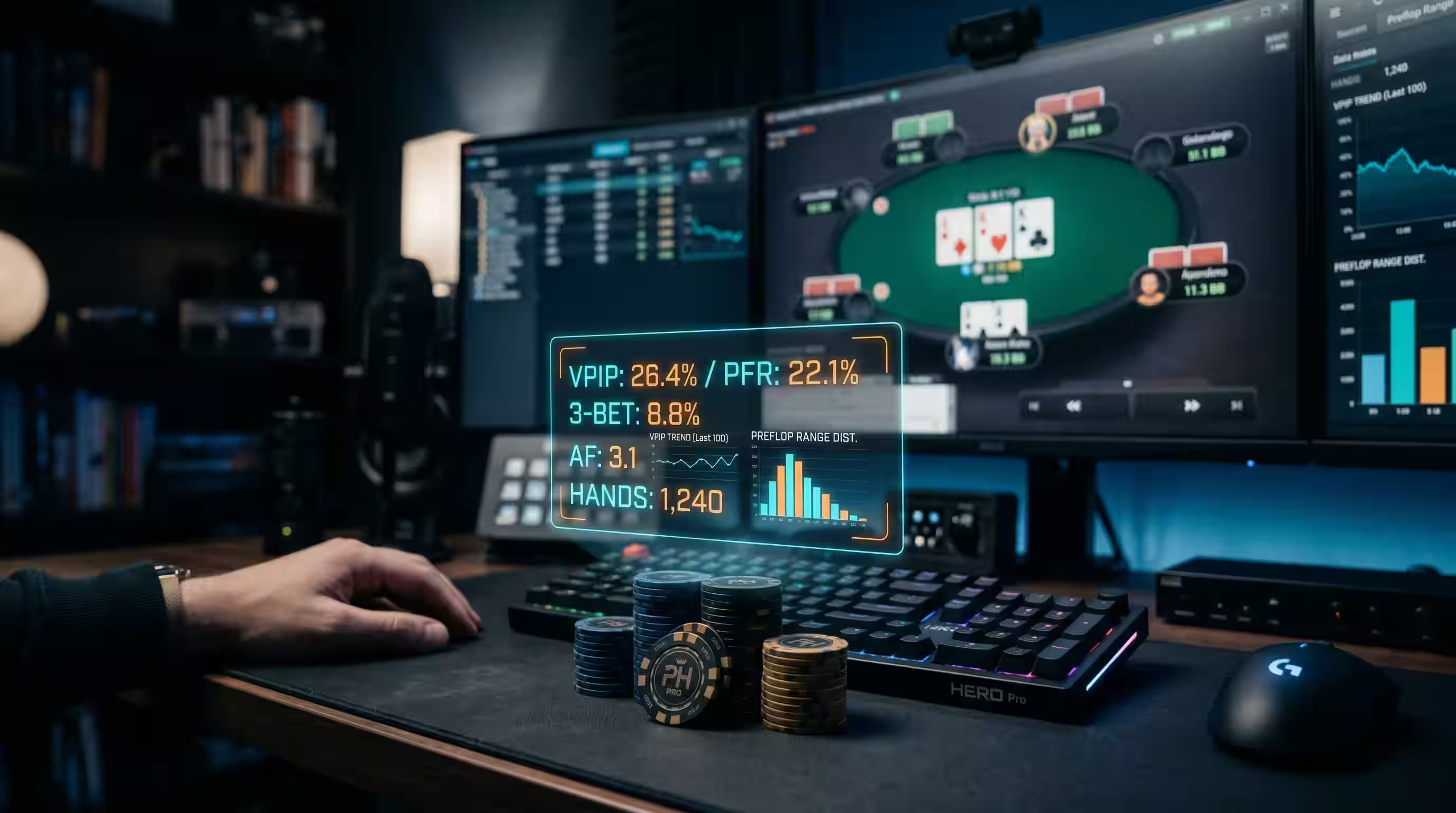
The search for the best HUDs for online poker in 2026 is not as simple as it used to be.
Years ago, many players only asked one question: “Which poker HUD gives me the most stats?”
That is no longer enough.
Modern online poker is faster, more restricted, more fragmented across sites, and more sensitive to third-party software rules. Some rooms allow traditional HUDs. Some restrict advanced features. Some ban third-party HUD overlays completely. And many mobile-first or club-based environments do not work like classic desktop poker rooms at all.
The best poker HUD in 2026 is not automatically the one with the most features. It is the one that fits your poker site, your operating system, your volume, your skill level, and your ability to use data without turning into a robotic button-clicker.
That is the real decision.
What Is a Poker HUD?
A poker HUD, or heads-up display, is software that shows player statistics directly on your online poker table.
Instead of relying only on memory, a HUD can show useful numbers such as:
- VPIP
- PFR
- 3-bet percentage
- fold to c-bet
- aggression frequency
- number of hands played against an opponent
That information can help you make better decisions, especially when multi-tabling or playing against opponents you have faced many times before.
But a HUD is only useful if you understand what the numbers mean. Stats do not make decisions for you. They give context.
Before Choosing a HUD, Check the Poker Site Rules
This is the most important warning in the whole article.
Do not assume every poker room allows the same tools.
Some sites allow HUDs that use only hands you personally played. Some restrict dynamic stats, player profiling, color coding, or real-time calculations. Some rooms do not allow third-party HUD overlays at all.
For example, PokerStars has historically allowed HUD-style tools only within strict limits, and its own policy language separates basic tracking from tools that offer advanced real-time assistance or advice. That means the question is not only “which HUD is best?” The first question is: is this HUD allowed where I play?
That matters because using the wrong tool in the wrong room can risk your account.
Best Overall HUD: PokerTracker 4
PokerTracker 4 is still one of the strongest all-around choices for serious online poker players.
It is built around tracking, reporting, custom filters, graphs, hand review, and a powerful HUD engine. PokerTracker 4 supports both Hold’em and Omaha, and it is available for Mac and Windows.
The main reason PokerTracker 4 remains so popular is balance. It is not only a HUD. It is a full study database. You can track results, review hands, filter spots, analyze leaks, and build custom reports.
Best for: players who want a complete tracking and study suite rather than only a simple on-table HUD.
Weakness: newer players may need time to learn the reporting and filtering features properly.
Best for Windows Grinders: Holdem Manager 3
Holdem Manager 3, or HM3, is another major name in online poker HUD software.
HM3 offers a customizable heads-up display, thousands of available stats, strong hand filtering, reports, a replayer, and a graphical HUD option designed to make stats easier to read visually.
One of HM3’s biggest strengths is how deeply it supports session review and post-game analysis. It is not only about seeing VPIP and PFR at the table. It is also about finding leaks after the session is over.
Best for: high-volume Windows players who want a deep database and strong post-session review tools.
Weakness: the depth can be overwhelming if you only want a very simple HUD.
Best Advanced HUD: Hand2Note
Hand2Note is one of the most advanced HUD and tracking tools available.
Its main appeal is flexibility. Hand2Note supports static HUDs, positional HUDs, dynamic HUD concepts, advanced reports, and strong visual analysis. It is especially popular with players who want deeper customization and more powerful statistical breakdowns.
That said, this is also where site rules matter a lot. Hand2Note itself notes that some advanced HUD types, such as positional or dynamic HUD features, are restricted on certain poker sites.
Best for: advanced online players who understand stats deeply and want more customization.
Weakness: powerful features can become dangerous if you use them where they are not allowed or if you do not understand the stats well enough.
Best Visual Modern HUD: DriveHUD 2
DriveHUD 2 is a modern HUD and database option with a strong visual interface.
It lets players design HUDs, choose default HUDs by game type or site, use filters, review hands, and build custom stats. DriveHUD also has a more modern feel than some older database tools, which can make it attractive to players who want power without an overly old-school interface.
It is also useful for players who care about visual clarity and customization.
Best for: players who want a modern-looking HUD with database tracking and flexible customization.
Weakness: serious users still need to learn how to build filters and interpret stats properly.
Best Mac-Friendly HUD: Poker Copilot
Poker Copilot is one of the best-known HUD options for players who want a cleaner Mac-friendly experience, and it now supports both Mac and Windows.
Its official page highlights native Mac and Windows support, a real-time HUD, performance tracking, session analysis, SharkScope integration, and more than 100 professional stats.
Poker Copilot is especially attractive for players who do not want the heavier feel of some database tools and prefer a simpler interface.
Best for: Mac users, beginners, and players who want a cleaner HUD experience without too much setup friction.
Weakness: very advanced grinders may prefer deeper customization from PokerTracker, HM3, or Hand2Note.
Best European-Friendly Option: Xeester
Xeester is another strong tracker and HUD option, especially for players who want an intuitive interface with Hold’em and Omaha support on Windows and Mac.
Xeester focuses on statistical profiling, real-time HUD labels, hand review, reports, graphs, online backup, and an accessible user interface.
It is not always the first name mentioned by English-speaking players, but it can be a very good fit for users who want a more straightforward tracker with clean presentation and solid review features.
Best for: players who want a user-friendly tracker/HUD with a clean interface and cross-platform support.
Weakness: it may not have the same community footprint among English-speaking high-volume grinders as PT4, HM3, or Hand2Note.
Quick Comparison: Best HUDs for Online Poker in 2026
| HUD | Best For | Main Strength |
|---|---|---|
| PokerTracker 4 | All-around serious players | Tracking, HUD, reports, filters, hand review |
| Holdem Manager 3 | Windows grinders | Deep database, graphical HUD, powerful filters |
| Hand2Note | Advanced players | Customization, reports, advanced HUD structure |
| DriveHUD 2 | Visual HUD users | Modern interface, custom stats, flexible HUD design |
| Poker Copilot | Mac users and beginners | Clean interface, real-time HUD, simple tracking |
| Xeester | European and cross-platform users | User-friendly HUD, reports, backups, hand review |
What Stats Should a Beginner HUD Show?
Many players ruin their HUD before they even start.
They fill the table with too many stats, then pretend more numbers means better poker.
That is not true.
If you are newer to HUDs, start with simple stats:
- VPIP: how often a player voluntarily enters pots
- PFR: how often they raise preflop
- 3-Bet: how often they re-raise preflop
- Fold to C-Bet: how often they fold to flop continuation bets
- Hands: sample size
That last stat matters a lot.
A player with 80% VPIP over 10 hands is not the same as a player with 45% VPIP over 1,000 hands. Sample size is what keeps HUD stats honest.

The Biggest HUD Mistake: Overtrusting Small Samples
A HUD can make bad players overconfident.
They see a number and treat it like truth.
But poker stats need sample size. One weird orbit does not define a player. A few hands do not prove someone is a maniac or a nit. Some stats need hundreds or thousands of opportunities before they become reliable.
That is why the best HUD users do not blindly obey numbers.
They combine stats with board texture, position, line logic, and current table dynamics.
This is also why population reads in online poker matter so much. HUD stats are useful, but they become much stronger when they sit inside a realistic understanding of how the whole pool plays.
HUDs Are Less Useful in Anonymous and Mobile-First Pools
HUDs work best when player identities persist and hand histories are available.
That is not always how modern online poker works.
Anonymous tables, fast-fold pools, app-based environments, and club-based ecosystems can reduce the value of traditional player-specific HUD data. In some games, the better edge comes from studying population tendencies and reviewing your own hands after the session rather than relying on live player labels.
That is one reason anonymous online poker pools change everything. When identity and long-term notes become weaker, your strategy has to rely more on structure and less on one opponent’s database profile.
HUDs vs Real-Time Assistance
This distinction matters a lot.
A traditional HUD shows statistics based on hands you have played and recorded. Real-time assistance tries to tell you what to do during a hand.
Those are not the same thing.
Many poker rooms draw a hard line between tracking/statistical tools and software that gives direct strategic advice while playing. Even tools that are allowed for study after a session may be restricted while a poker client is open.
So do not use equity calculators, range tools, solver outputs, or ICM tools during active play unless the poker room explicitly allows them.
Use those tools for study, not for real-time decision automation.
How to Study Better Without Depending Only on a HUD
A HUD is useful, but it should not be your whole study system.
After the session, you still need to review hands, track results, and test assumptions. That is where simple tools can help a lot.
If you want to clean up hands before posting or studying them, the Poker Hand History Formatter is useful because it turns messy hand histories into readable spots.
If you want to track whether your results are improving over time, the Poker Session Tracker gives you a cleaner way to monitor sessions instead of relying on memory.
And when you are studying ranges away from the table, the Range vs Range Equity Calculator helps you test whether your assumptions actually make sense.
That is the healthy way to use poker tools: not as a replacement for thinking, but as a way to make your thinking clearer.
Which Poker HUD Should You Choose?
The best choice depends on your situation.
- Choose PokerTracker 4 if you want a proven all-around tracker and HUD with strong reporting.
- Choose Holdem Manager 3 if you want a powerful Windows-focused database with deep filtering and visual HUD options.
- Choose Hand2Note if you are an advanced player who wants deeper customization and advanced reports.
- Choose DriveHUD 2 if you prefer a modern visual interface and custom stat-building.
- Choose Poker Copilot if you want a cleaner Mac-friendly experience with less friction.
- Choose Xeester if you want a user-friendly tracker with cross-platform support and a simpler presentation.
But before choosing any of them, check three things:
- Does your poker site allow HUDs?
- Does the HUD support your site and game format?
- Will you actually understand and use the stats correctly?
If You Remember One Thing
The best HUDs for online poker in 2026 are not just the tools with the most stats. They are the tools that fit your site rules, your operating system, your study habits, and your ability to turn data into better decisions.
A HUD can help you.
It can also make you lazy if you stop thinking.
Use it as a decision-support tool, not as a decision-making machine.
FAQ: Best HUDs for Online Poker
What is the best HUD for online poker in 2026?
For most serious players, PokerTracker 4 and Holdem Manager 3 remain two of the strongest all-around HUD choices. Advanced players may prefer Hand2Note, while Mac-focused users may prefer Poker Copilot.
Are poker HUDs allowed on all sites?
No. HUD rules vary by poker room. Some sites allow HUDs with restrictions, while others ban third-party HUD overlays completely.
What is the best HUD for beginners?
Poker Copilot, PokerTracker 4 with a simple layout, or Holdem Manager 3 with a basic HUD can work well for beginners. The key is to start with a few useful stats instead of cluttering the table.
What stats should I use first on a poker HUD?
Start with VPIP, PFR, 3-bet percentage, fold to c-bet, aggression, and hand sample size. These give a useful basic profile without overwhelming you.
Can a HUD make you a winning poker player?
No. A HUD gives information, but it does not replace strategy. You still need to understand ranges, position, board texture, bet sizing, and opponent tendencies.